





Choose
Integrations
Your existing stack. A connected story.
Bring customer and business data from your CRM, BI tools, warehouses and spreadsheets into Matik. Create content in the formats your team already works with.
Example workflow
Start
Choose
Your existing source.
Connect
Configure
Access and inputs.
Review
Validate
The generated output.
Your team
Context and review.
Your customer
A relevant next step.
Integrations
Connect the source. Keep the context.
Customer context
Salesforce
Account and opportunity data
HubSpot
CRM information
Gainsight
Customer success data
Customer data
Start with the account view.
Connect CRM information to the customer content you generate. Use account context and reporting inputs to build a relevant view for each conversation.
- Explore Salesforce, HubSpot and Gainsight.
- Define the fields and reports your content needs.
- Review source permissions during setup.
Business metrics
BI tools
Looker · Tableau · Power BI
Warehouses
Snowflake · BigQuery · Redshift
Matik content
A reusable view of the results
Analytics & warehouses
Use the data behind your reporting.
Bring metrics from BI tools and data warehouses into a reusable content workflow. Start with the reporting logic your team already understands.
- Explore Looker, Tableau and Power BI.
- Connect sources such as Snowflake and BigQuery.
- Agree the metric definitions and reporting period.
From source to useful content
Spreadsheet data
Google Sheets · Microsoft Excel
Matik workflow
Templates and customer context
Output
Presentations, documents and reports
Everyday tools
Keep the output familiar.
Use spreadsheet data where it belongs in your workflow. Generate presentations and documents your team can work with, and explore MCP when the starting point is an AI conversation.
- Connect Google Sheets and Microsoft Excel.
- Work with familiar presentation formats.
- Explore additional connections through a REST API.
In practice
Put it to work.
A practical starting point for your team.
Configure
Review credentials, access and inputs.
Validate
Check the data in a generated output.
Connected capabilities
See how the pieces work together.
Explore the product capabilities that support this workflow.
Semantic layer
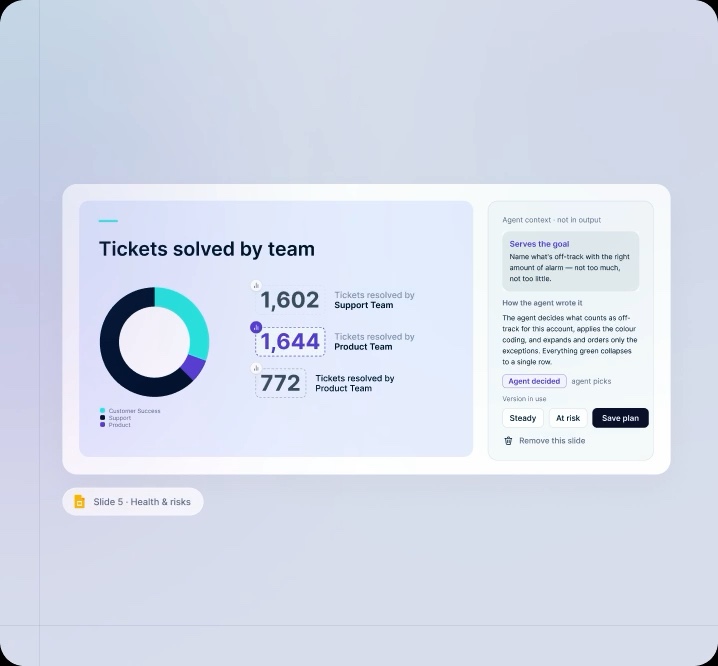
Every number has a defined source. Trace customer-facing metrics back to the systems and definitions that produced them.
MCP
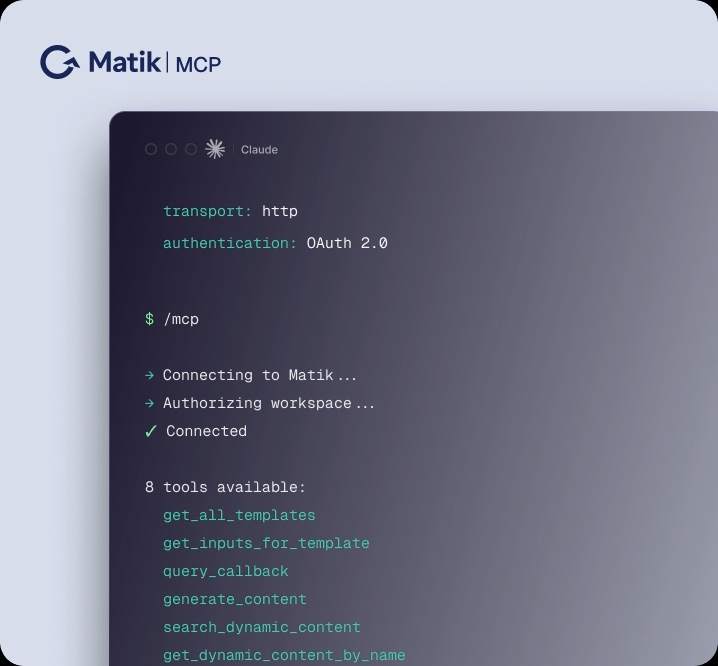
Use Matik from the AI surfaces teams already live in. Claude or ChatGPT can invoke Matik workflows instead of trying to recreate enterprise generation themselves.
Matik Mail
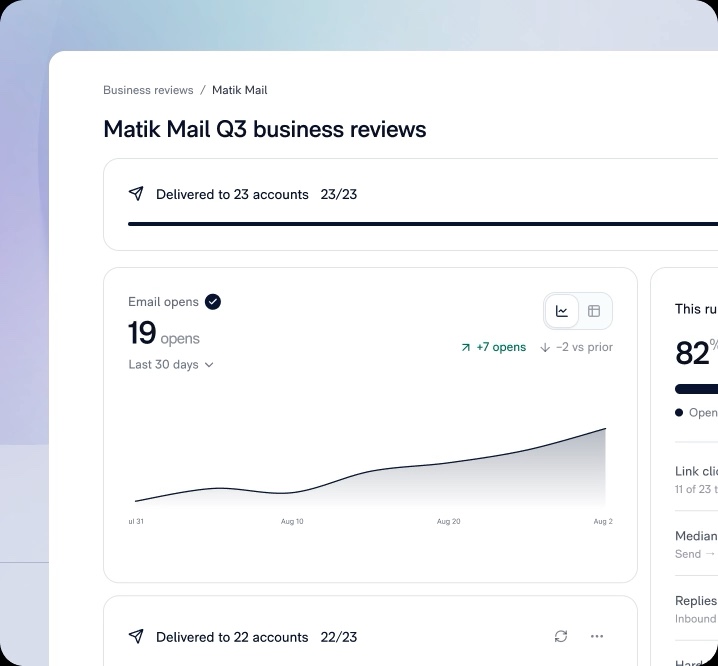
Generate and distribute the customer story. Approve, send and track the delivery of personalized customer communication.
Connected capabilities
Keep the story moving.
Explore the next part of your Matik workflow.
Platform
Connect the data your team trusts to reusable content and everyday customer workflows. Enable the people telling the story, scale its reach and improve the foundation over time.
MCP Integration
Use Matik from a compatible AI environment to turn connected business data into presentations, documents and reports. Keep the conversation close to the work your team already does.
How it works
Turn a recurring customer presentation, report or update into a connected process. Set up the foundation once, then use it for the accounts and conversations that follow.
FAQ
A few useful answers.
Are all integrations configured in the same way?
No. Connection methods and permissions vary by source. Use the integration-specific documentation during setup.
What if our data source is not listed?
Matik also supports connecting through a REST API. Discuss your source and authentication requirements to confirm the right approach.
Does the MCP integration replace data connections?
No. MCP lets a compatible AI environment access a Matik workflow. The data connections still supply the business information behind the content.