From your data to their next step.
Connect your data, build your foundation and put it to work. Give your team a useful starting point, reach more accounts and keep improving the story.
Start with the data behind your customer story.
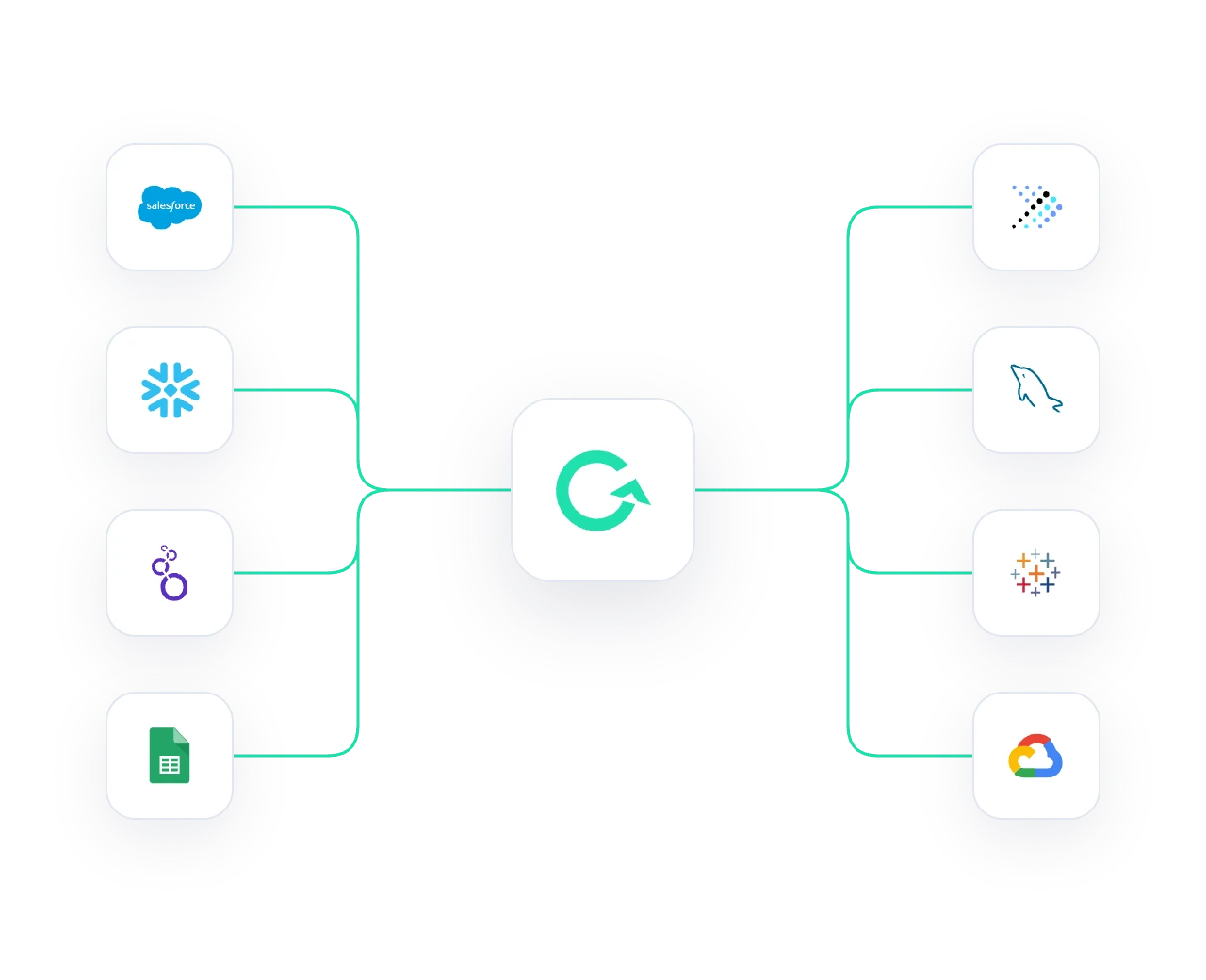
Connect the sources behind your customer story and configure access with the data owner. Define the metrics and inputs that bring the right account and reporting period into each output. Configured queries and calculations provide the numbers; AI helps shape and explain the narrative.
Build the foundation with AI.
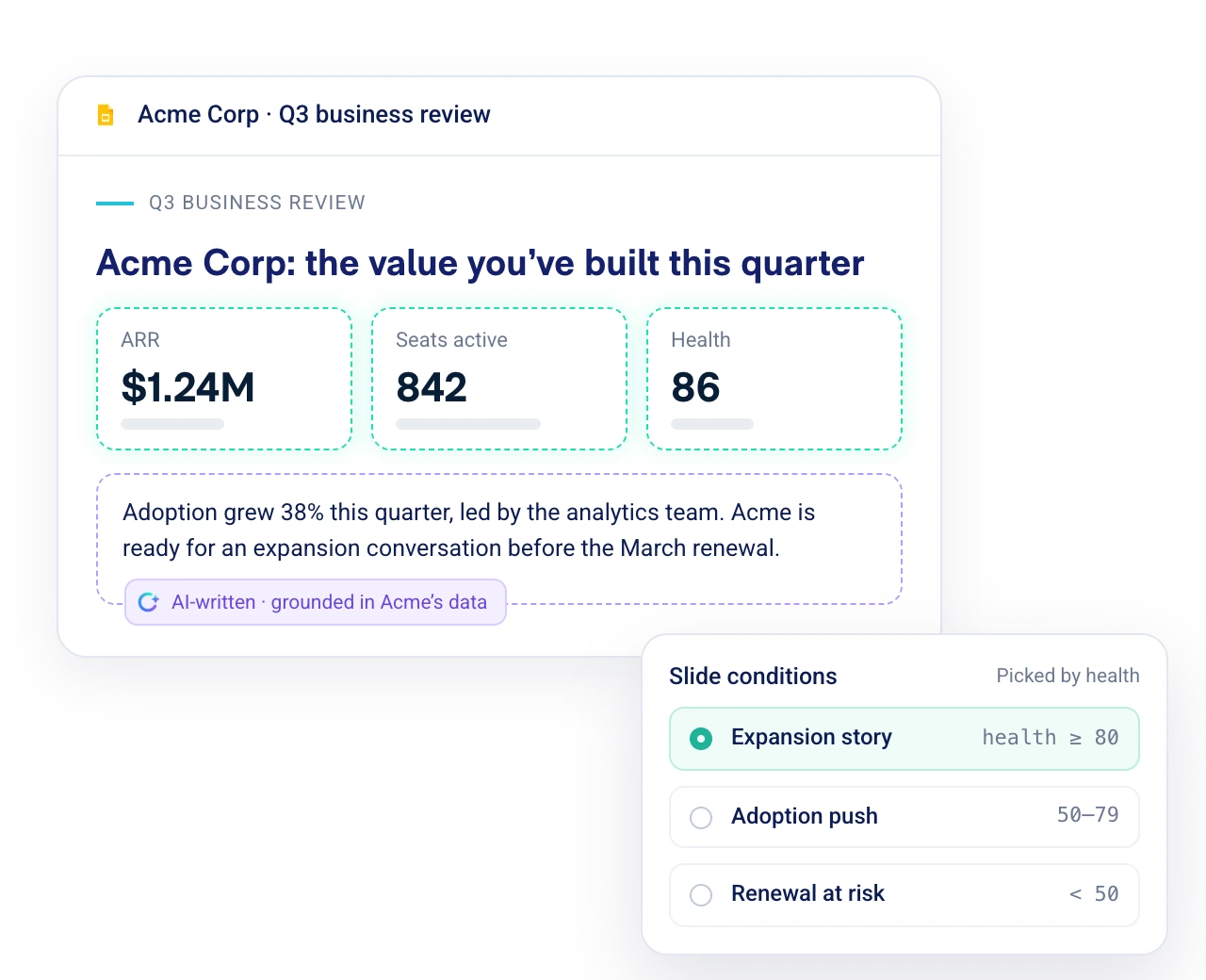
Bring data, approved content and your brand into a shared template. Add metric tags, Slide Conditions and narrative prompts to make the story relevant to each account. AI-assisted setup helps prepare changes; your admins review what goes into the foundation.
Work in the tools you already use.
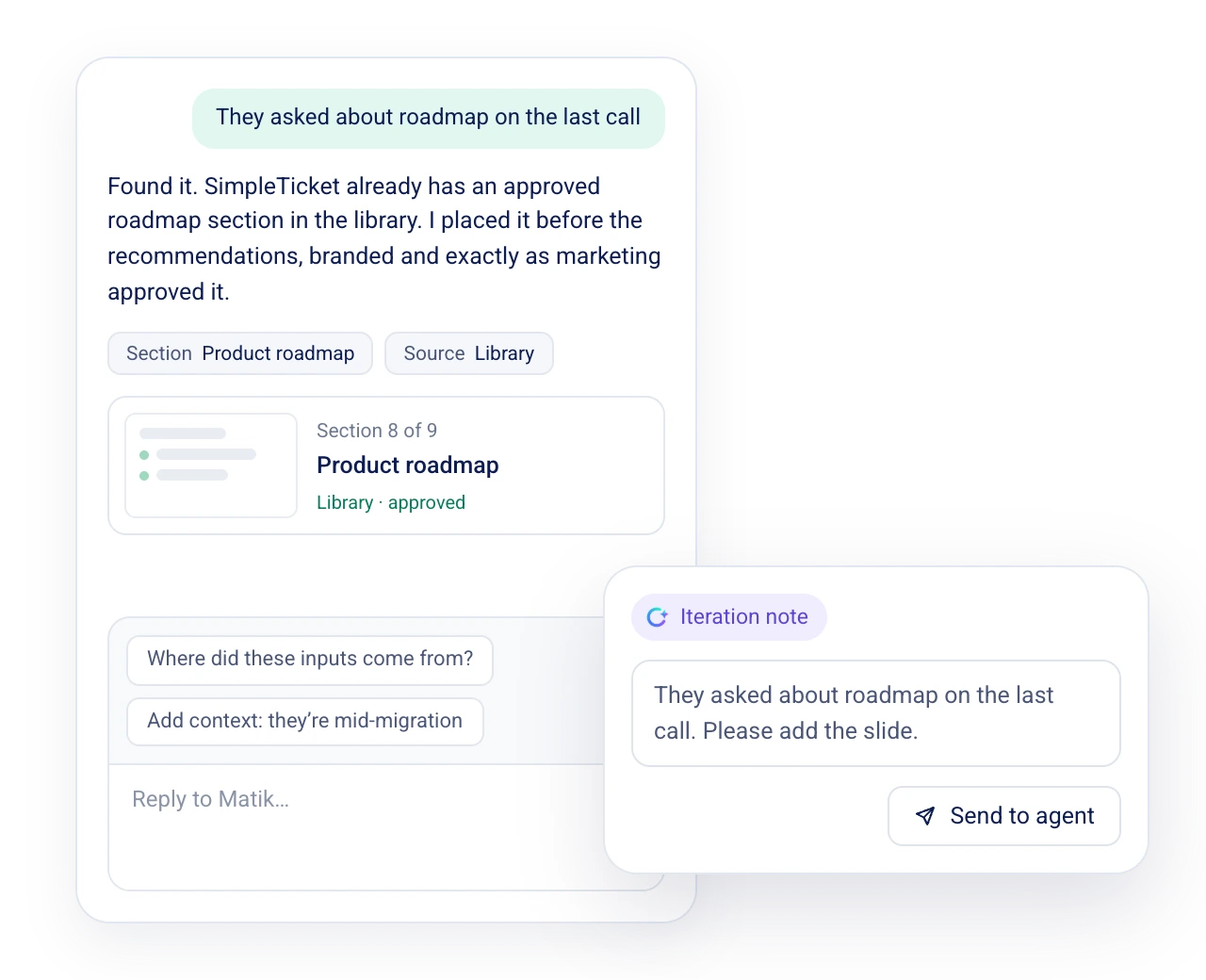
Give your team an approved starting point in Matik and supported connected tools. Find relevant content, add customer context and refine the narrative for the conversation ahead. Use summaries, talk tracks and explanations to understand the story before presenting it.
Scale the story to more accounts and audiences.
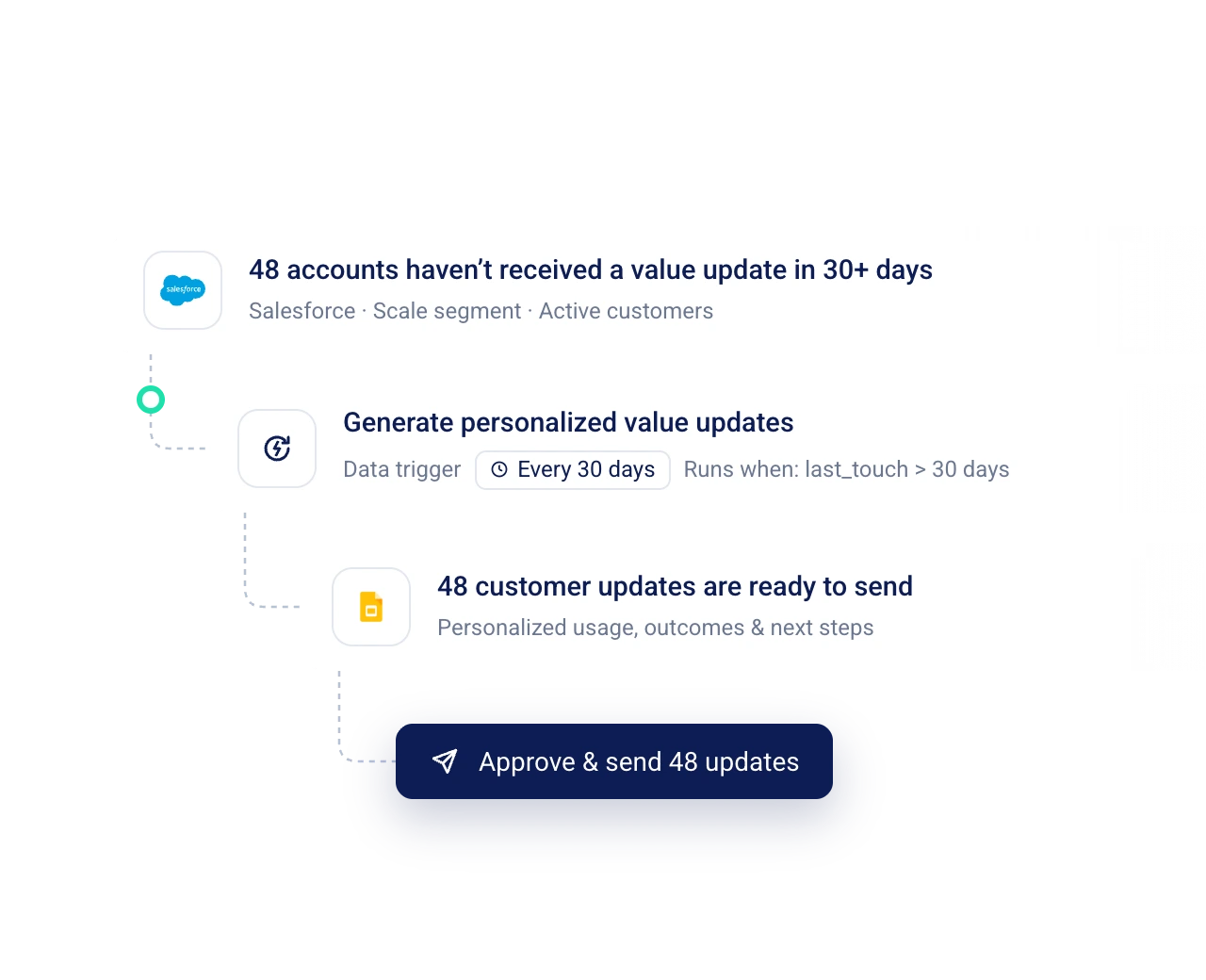
Generate personalized content in bulk, or configure schedules and data-triggered workflows. Use Matik Mail for personalized emails and generated attachments. Carry a consistent foundation across your book of business, including accounts with less one-to-one contact.
Keep it fresh, with people in control.
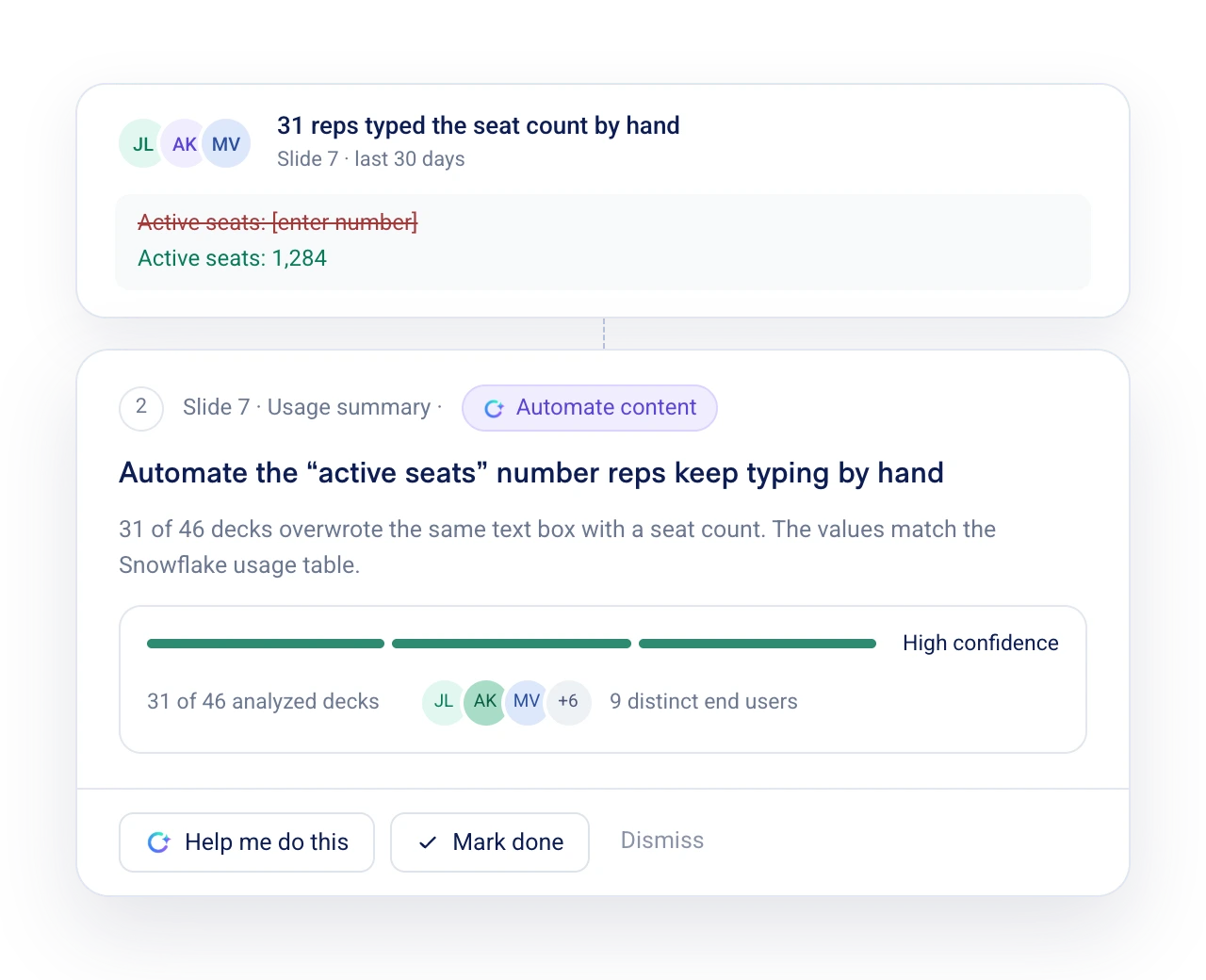
Learn from rewritten narratives, removed slides and adjusted charts. Bring feedback back to the shared template, review agent-proposed improvements and investigate generation issues. Your team decides which changes make the next version more useful.






A few useful answers.
Do we have to rebuild all our content?
Start with one recurring use case and the content your team already uses. Define and validate the first template before expanding.
Can content be generated for one customer and many customers?
Yes. Matik supports individual generation and bulk runs from selected inputs or CSVs.
What happens after the first template?
Reuse the foundation for more accounts and workflows. Enable supports frontline use, Scale supports repeatable reach and Optimize focuses on improving the content.